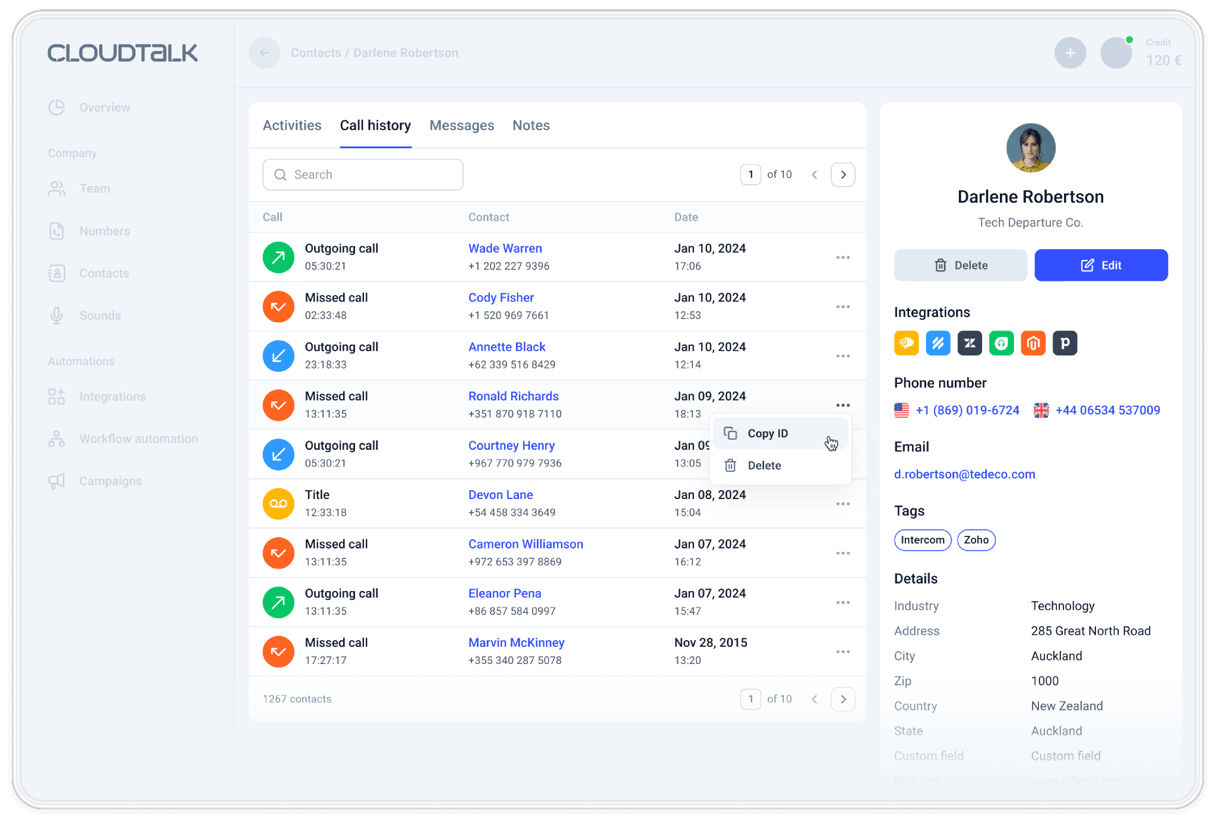
Parallel Dialer Software
CloudTalk's Parallel Dialer calls up to 5 numbers at once and connects your rep the moment a real person answers. It detects voicemail and syncs every call to your CRM.
Rated 4.4/5 from 1,700+ reviews on G2 and Capterra
Cost: $39 per user/month · 14-day free trial · Works with any CloudTalk plan
- 01Dial up to 5 contacts at once, per rep
- 02Automatic voicemail detection and drop
- 03Local numbers in 160+ countries
 SOC2 CompliantISO 27001
Trusted by 30,000+ sales & support professionals worldwide
















Parallel Dialer Benefits
Parallel Dialing Software That Turns the Same List Into More Live Conversations
Same team, same hours, less time listening to ringtones
80 Calls per Hour
4x what a rep gets through on a single line. The gain comes from cutting the dead time between calls, not from asking anyone to talk faster.
1.5s Voicemail Detection
3x faster than the industry standard. Machines get identified and skipped before your agent is brought on, so the calls they take have a person on the other end.
Local Presence in 160+ Countries
Call from a number with the right country or area code for whoever you are dialing. Unknown international numbers are the fastest way to get sent to voicemail by someone who was home.
What Does a Parallel Dial Session Actually Look Like?
Core Features
Everything Your Team Needs to Dial More and Connect More
Parallel dialing, voicemail handling, smart queues, and reporting in one campaign dialer.
What Is a Parallel Dialer?
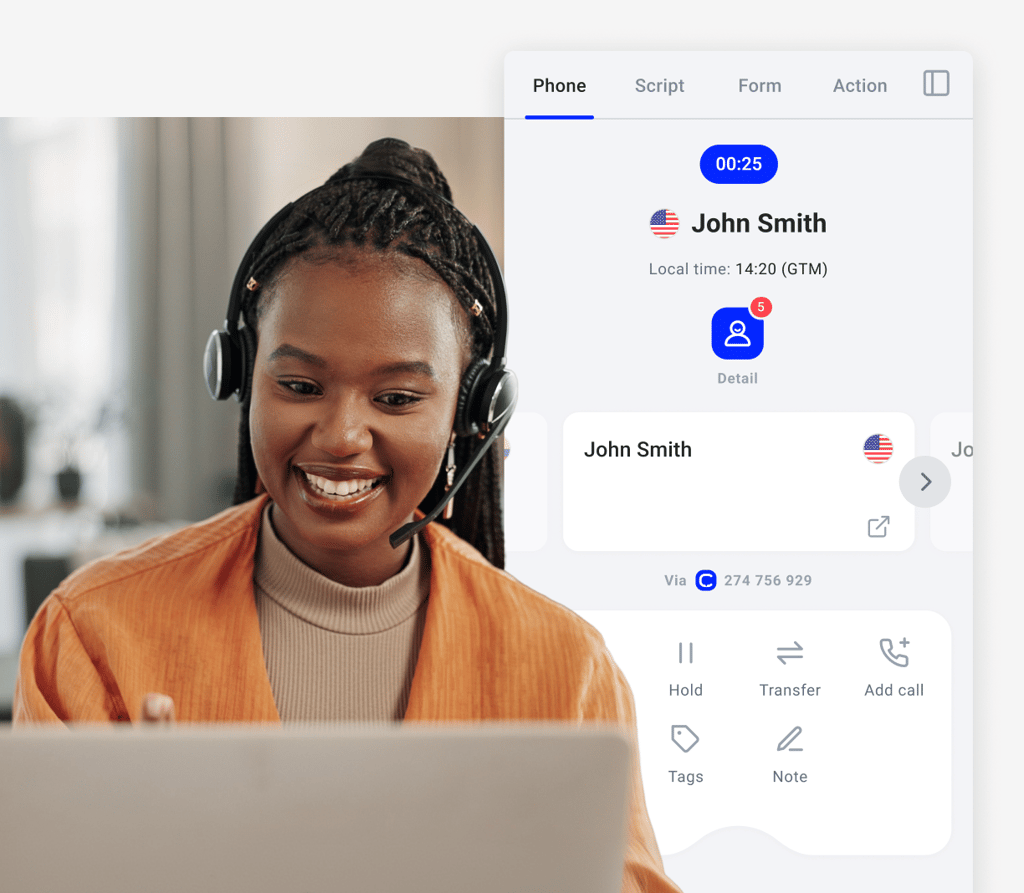
A parallel dialer is an autodialer that calls several numbers at the same time and connects the person who answers to an available agent.
It handles unanswered calls, busy signals and voicemails
automatically, so nobody on your team sits through them.
Reduce agent idle time and increase call volume.
How Do Parallel Dialers Work?
A Parallel Dialer works by loading your call list, dialing several numbers at once, and using voice detection technology to detect voicemail in as little as 1.5 seconds.
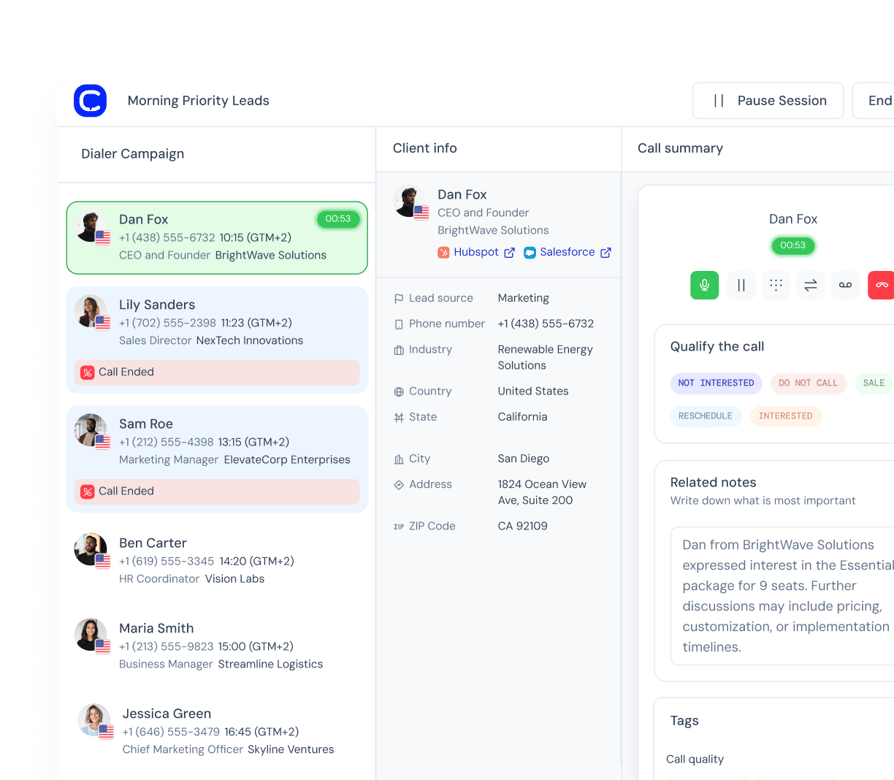
The dialer places up to 5 calls at once for each rep. Voicemail detection runs on every line, and machines are never connected. The first contact who answers is connected to the rep, and the other ringing lines drop. The rep talks, sets an outcome, and the next batch dials.
Parallel Dialer
Call Up to 5 Numbers at Once and Talk to the First Person Who Answers
- 01Set 2 to 5 lines per campaign (up to 10 if requested), so warm and cold lists run differently
- 02The first live answer connects to your rep
- 03Unanswered lines drop and contacts return to the queue
- 04If two people answer together, the first connects and the second goes back in the queue
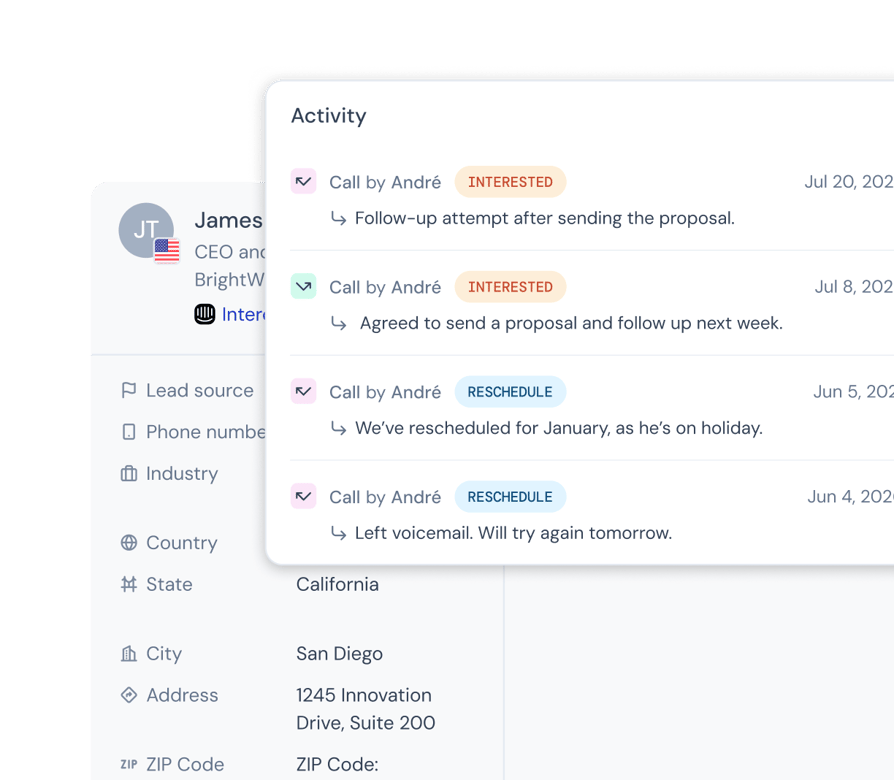
- 05Contact details appear the moment someone answers
Never Waste Another Minute on a Voicemail Greeting
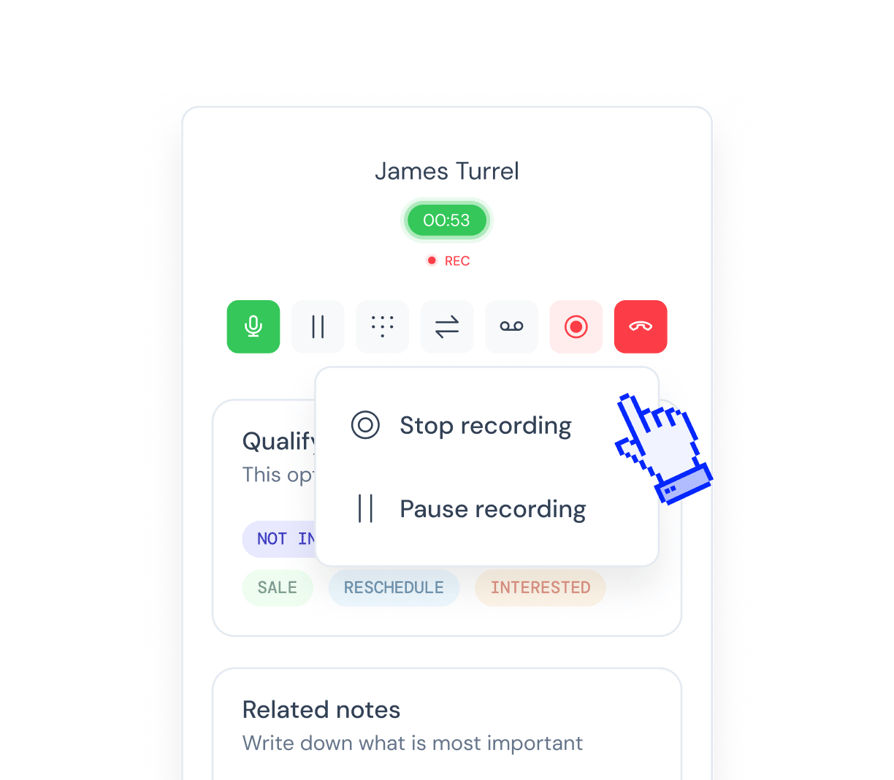
- 01Voicemail is detected on every line in about 1.5 seconds
- 02If you’ve set a voicemail recording, it drops automatically, then dialing moves on
- 03Voicemail outcomes tag themselves, so retries run on schedule
Reach the Right Contact First, Then Every Number They Have
- 01One toggle puts fresh leads ahead of retries
- 02Rank your lists and tags, and reorder them mid-campaign without stopping
- 03Turn on number rotation and each of a contact’s numbers is tried in turn until one answers
- 04Scheduled callbacks surface at the time the customer asked for
- 05Retry rules decide when a no-answer contact comes back
Do You Need a Parallel Dialer or a Power Dialer?
You need a Parallel Dialer when you have high-volume outbound to get through, and a single-line dialer when each conversation is high-value and needs preparation.
In parallel mode the dialer places 2 to 5 calls for you, filters out the machines, and connects you to whoever answers first. In power mode you click to dial one contact at a time and hear every greeting yourself.
See What Your Parallel Campaign Really Delivers
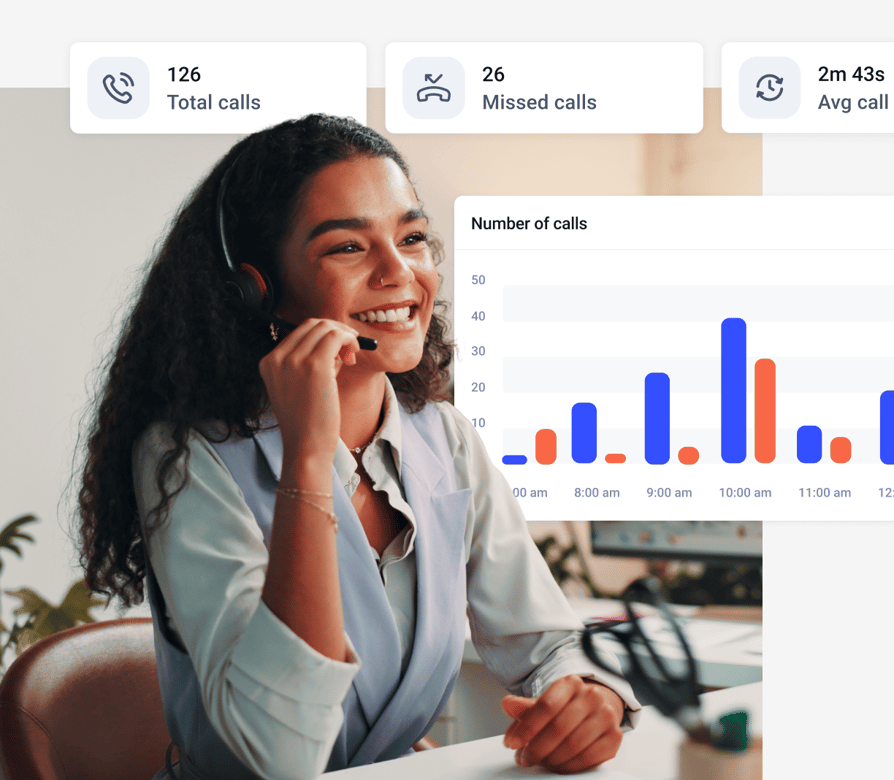
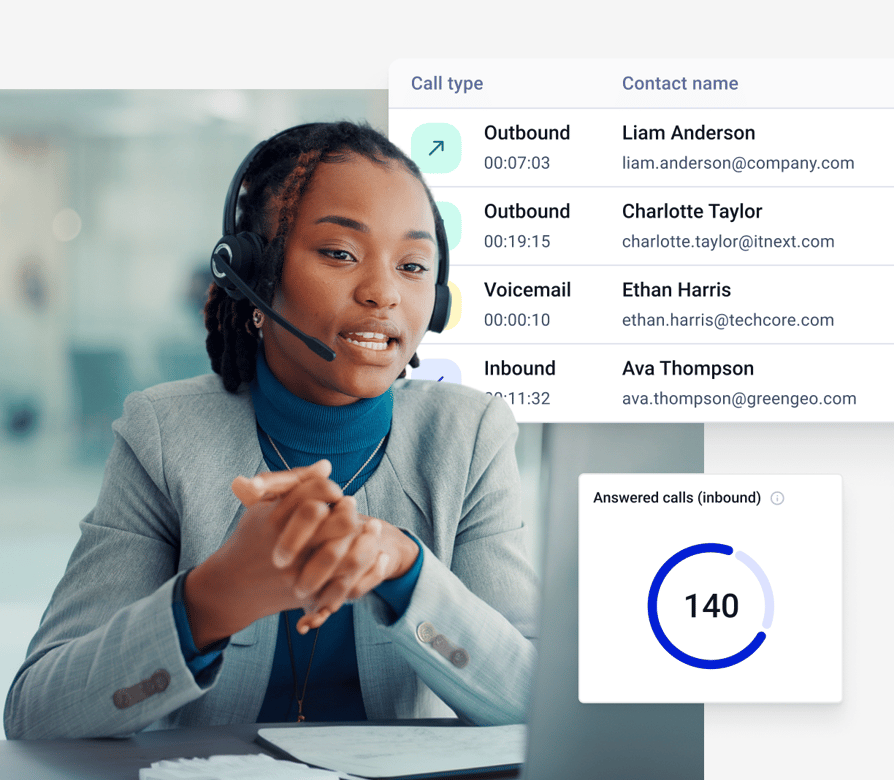
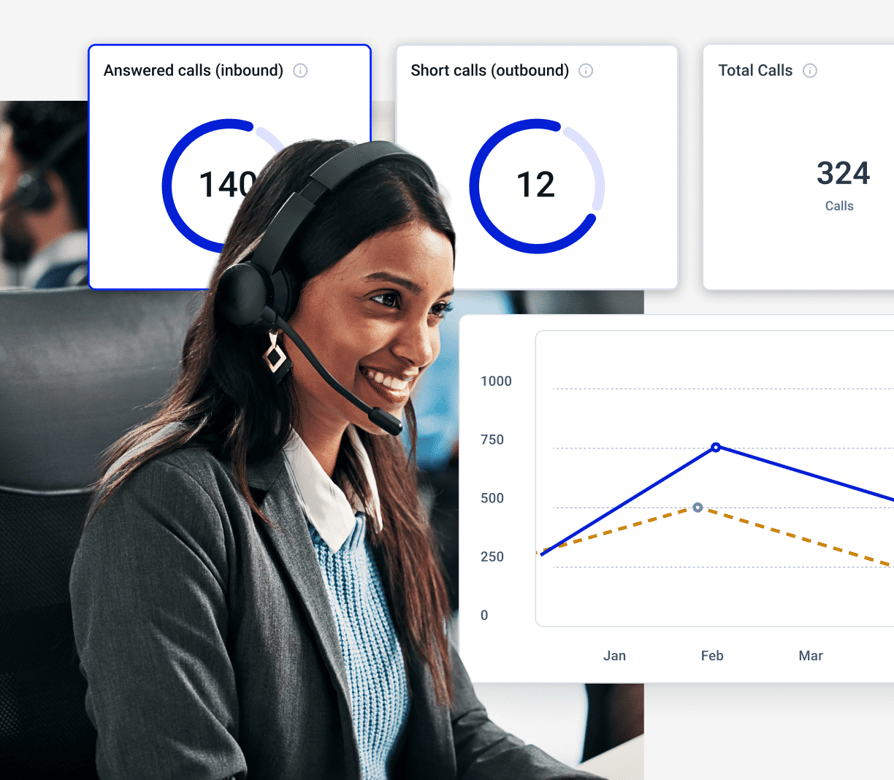
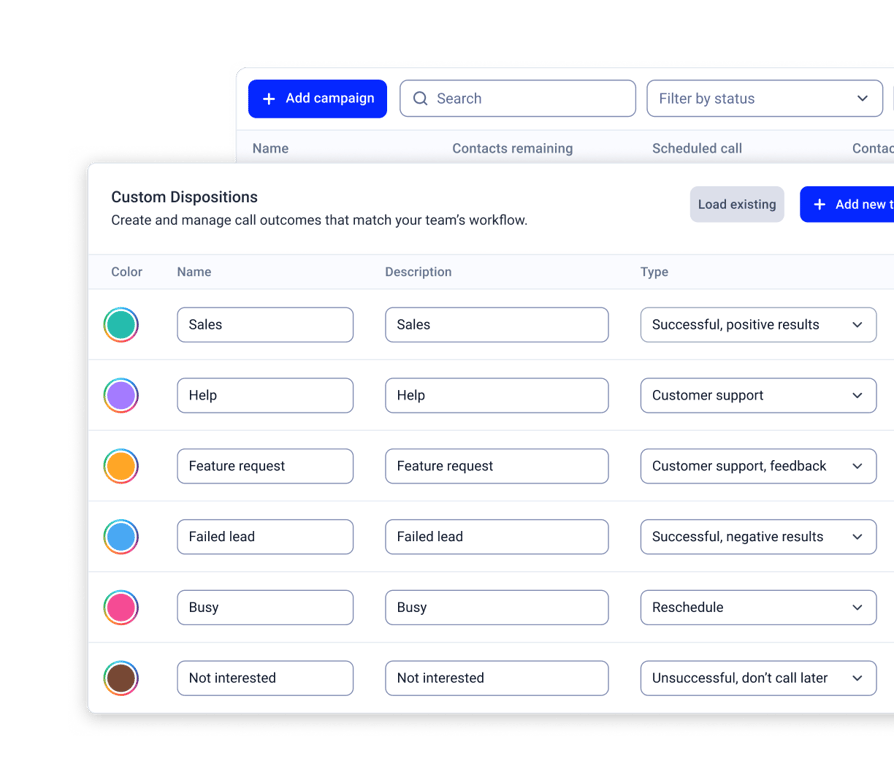
- 01Pick the outcome in one click, and it lands in analytics, call history, and your CRM
- 02Stats show whether a person, voicemail, or another machine answered each call
- 03Watch a running campaign live, by contacts finished
- 04Scripts and surveys sit on the calling screen
- 05Export call history and survey answers
What Changes When Your Team Calls From CloudTalk Numbers?
Want 3x more of your calls picked up and up to 40% fewer missed? These teams got there with local numbers, one phone system and AI.

3x Pickup Rate With Local Mobile Numbers
“With CloudTalk, we could get real mobile numbers in-region, not just landlines. It made a huge difference in deliverability and how prospects responded.”

Up to 40% Fewer Missed Calls Globally
“CloudTalk isn't just a tool, it's become a core part of how we connect with prospects, manage conversations, and grow our presence in the U.S. market.”

From a Personal iPhone to Local Numbers
“We went from juggling personal phones and manual call forwarding to a unified platform that saves us time and delivers a much better customer experience.”

Missed Calls Cut From 80% to Just 16%
“Customers used to wait over 20 minutes just to speak to an agent. Now, they get through in 3 to 4 minutes. We also went from missing 80% of calls to just 16%.”

40% More Connected Calls for Sales Reps
“Find a tool that's not only reliable but can scale with your growth. CloudTalk offered us the consistency and support we needed to expand with confidence.”

500+ SDRs on One Global Phone System
“We managed to reduce sales operations by 40 hours per month and give our team the tools they need to scale globally, without sacrificing efficiency.”
Try Parallel Dialing Without the Risk
Choose the Number You Call From
Caller ID matches each contact’s area code by default, or you can rotate across your own numbers or fix one per campaign, and your rep always sees which number is being dialed.
Stay in Control of How Fast You Dial
Set 2 to 5 lines per campaign, starting at 5 and adjusting after two weeks of watching your connect and abandonment rates, since fewer lines mean fewer dropped live answers and make US abandoned-call limits easier to meet.
Skip the Voicemails
Calls that reach an answering machine are identified automatically and never connected to you.
Test It for 14 Days
Start a free 14-day trial on your own contact list. After the trial, the Parallel add-on costs $39 per user/month, billed annually.
CloudTalk Parallel Dialer vs. Other Dialers
A dialer built into your phone system, not bolted on next to it.
Dial Straight From the CRM Your Team Already Lives In
Fill campaigns from CRM lists, and send every outcome back to the contact record.
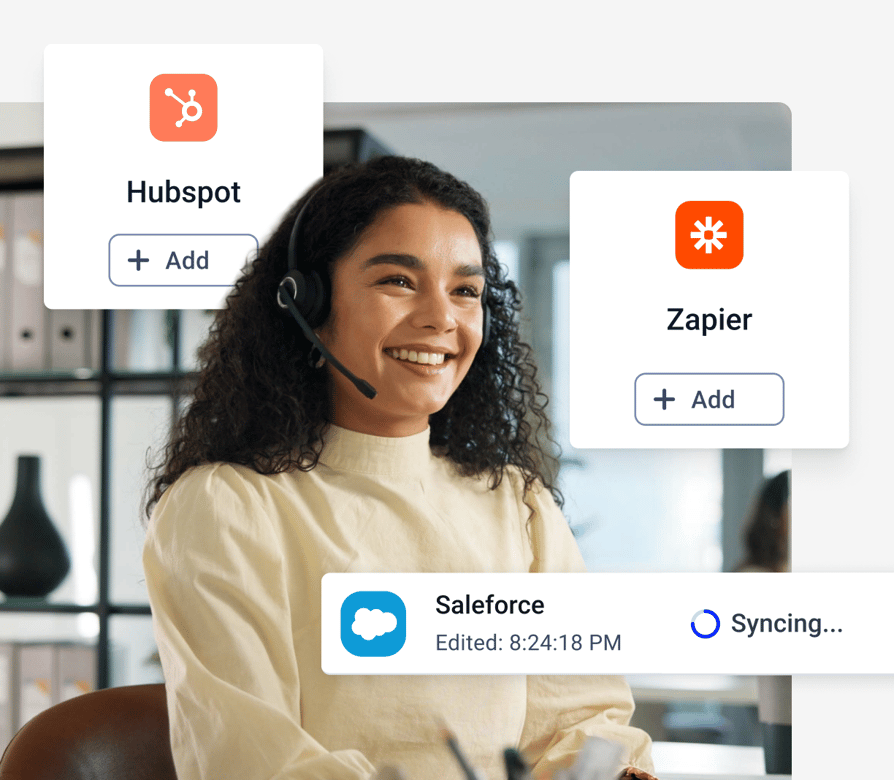
- 01Pull contact lists from HubSpot, Salesforce, Pipedrive, and Zoho CRM
- 02Lists stay in sync, so new leads join the queue on their own
- 03Call outcomes sync back to the CRM record
- 04100+ integrations, plus Zapier, Make, and CloudTalk workflow automation
- 05Manage campaigns through the public API
Launch Your First Parallel Campaign in 5 Steps
Start your free trial and CloudTalk switches Parallel on for your account.
- 01General. Name your campaign and choose when it starts.
- 02Contacts. Add contacts by tag or by CRM list, turn on Parallel Calling, and set 2 to 5 lines.
- 03Calling setup. Set attempts per contact, number rotation, and caller ID.
- 04Agents. Assign reps, pick outcomes, and attach a script or survey.
- 05Review. Activate, and reps start a session from the CloudTalk Phone app.
CloudTalk Pricing
How Much Do Parallel Dialers + CloudTalk Plans Cost
A Parallel Dialer costs $39/user/month as an add-on to any plan, starting at $25/user/month with unlimited US and Canada calls, call recording and 24/7 support. Your reps and an AI Receptionist from $99/month can share one number. Start small and see what AI could save with our AI ROI calculator.

More Live Conversations from the Same List and the Same Team
Try the CloudTalk Parallel Dialer free for 14 days. Parallel add-on $39 per user/month.
Features
Other features you might like

Power Dialer
Reach 3x more customers by removing repetitive tasks and assigning automated call campaigns to agents.
Learn more about Power Dialer
Smart Dialer
Create custom single-click call queues with numbers from any website or CRM, and lower call times by up to 50%.
Learn more about Smart Dialer
Click-to-Call
Automatically convert phone numbers from the web into a clickable format and call them instantly.
Learn more about Click-to-Call
Campaigns
Create custom campaigns to help agents structure their calls with notes, call scripts, and questionnaires.
Learn more about CampaignsPhone Number Integrations
Can I Connect My Dialer to Other Tools?
Yes, you can connect your Parallel Dialer with HubSpot, Salesforce, Zoho, Pipedrive and 100+ more tools. Pipedrive's SDR team logs 100% of its calls automatically, with no manual data entry.


How Secure Are Your
Parallel Dialer Calls and Data?
Your Parallel Dialer calls and customer data are protected by the standards regulated industries rely on, with 99.999% uptime and none of the enterprise complexity.



Clear Caller
Identity
Register your numbers for STIR/SHAKEN verified calling and show a clear caller ID, and AI agents say they're AI up front.
Encrypted Calls
and Recordings
Call recordings and transcripts are encrypted and stored securely. Your data stays yours and isn't used to train external AI models.
Proven Security
Standards
Our controls comply with HIPAA, GDPR, SOC 2 and ISO 27001, and we can sign a BAA when you need a HIPAA-compliant phone number.
Carrier-Grade
Uptime
With 99.999% uptime on carrier-grade infrastructure, your US calls stay crystal clear, and support runs 24/7 on every plan.
FAQs: Parallel Dialer
A parallel dialer is an autodialer that calls several numbers at the same time and connects the first person who answers to an available agent. Unanswered calls, busy signals, and voicemails are handled automatically, so your reps don't sit through them.
You load a campaign from a tag or a CRM list. When a rep starts a session, the dialer rings 2 to 5 contacts at once and detects voicemail on every line. The first live person connects to the rep, and the other lines drop and return to the queue.
CloudTalk supports 2 to 5 lines per campaign. Start at 5, watch your connect and abandonment rates for two weeks, then adjust.
A power dialer calls one contact at a time and starts the next call after wrap-up. A parallel dialer calls several at once and connects the first person who answers. Both are modes of CloudTalk's AI Sales Dialer, so you choose the number of lines per campaign.
The Parallel add-on is $39 per user per month, billed annually, on any CloudTalk plan. It includes everything in Power mode, and you can try it free for 14 days.
Voicemail is detected on every line. A pre-recorded message can drop automatically, and the contact returns to the queue for another attempt. If detection can't decide in time, the call connects to your rep instead of risking a real person.
The first person connects to your rep. The second call drops, and that contact goes back in the queue for a later attempt.
High-volume calling from one number can get flagged by carriers. CloudTalk matches caller ID to each contact's area code by default and can rotate across your numbers. Starting with fewer lines also helps protect your caller ID reputation.
Yes. Campaigns pull contact lists from HubSpot, Salesforce, Pipedrive, and Zoho CRM, and call outcomes sync back to the contact record. HubSpot lists check for new contacts every 10 minutes.
Rules differ by country and state. In the US, telemarketing rules cap abandoned live-answered calls at 3% over a rolling 30 days, so many teams run fewer lines. Check your local regulations and keep your consent and do-not-call lists current.
Many teams use the two names for similar tools. In CloudTalk's Parallel mode, you set the number of lines for each campaign, from 2 to 5. See how it compares on our predictive dialer page.


Hello 👋 My name is Emma. Still have questions?
Can’t find the answer you’re looking for? Please chat to our friendly team.
Start your 14-day free trial
Over 5,500 sales & support teams use CloudTalk to boost calling performance